
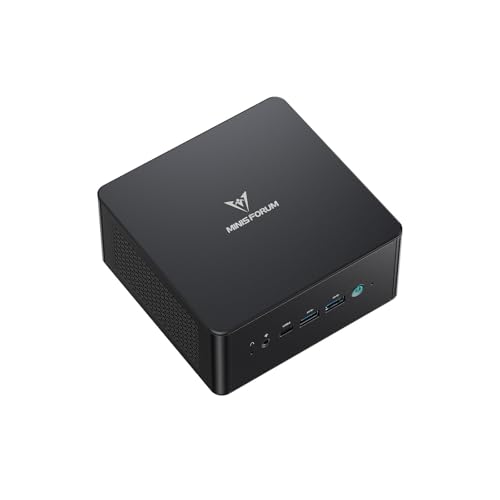
ACEMAGIC V1
Intel N150
CPU
16 GB DDR4
RAM
512 GB SSD
STORAGE
1GbE
NETWORK
$289.00
Quiet, small machines for documents, calls and everyday work.
Everyday office work is the least demanding thing a mini PC does, which means most models here are more than adequate and the real questions are about the desk rather than the specification. 16 GB of memory and a 500 GB drive comfortably cover documents, a browser with many tabs and video calls. Display outputs matter more than processor speed: check how many monitors the machine drives and over which connectors. Size, noise and whether it mounts behind a screen with a VESA bracket decide how it feels to use. We record display outputs, port counts and VESA support where the manufacturer states them.
Step 1
Everyday office work is the least demanding thing a mini PC does. Almost everything in this category is fast enough, which means size, noise, mounting and display outputs decide how the machine actually feels to use. Work out where it will sit before you compare processors.
Step 2
That covers documents, a browser with many tabs, video calls and media comfortably. 8 GB still appears at the bottom of the market and will feel tight within a couple of years. Storage below 500 GB fills faster than people expect once Windows and Office are installed.
Step 3
Most machines here drive two monitors; many drive three across HDMI, DisplayPort and USB-C. Check the connectors on your monitors, not just the number of outputs, because adapters add cost and failure points. We list the outputs each model publishes.
Step 4
Many mini PCs include a bracket that mounts them behind the monitor, which removes the machine from the desk entirely. We record VESA support where the manufacturer states it.
32 mini PCs




Processor
Whether everyday work feels smooth
Intel N100 or N150 is genuinely adequate; Core or Ryzen for heavier multitasking
Installed memory
How many applications and tabs
16 GB; 8 GB will feel tight
Storage
How long before it fills
500 GB NVMe baseline
Display outputs
How many monitors
Two on most, three on many; check the connector types
VESA mount
Whether it leaves the desk
Bracket included on many models
For browsing, documents, email and video calls, yes. These are low-power processors and the machines around them are small and quiet. They are not the right choice for heavy multitasking or for video work.
Most models here handle two, and many handle three over a mix of HDMI, DisplayPort and USB-C. We list the outputs each model has where the manufacturer publishes them.
Many mini PCs include a VESA bracket that mounts them to the back of a display. We record VESA support per model where it is stated.
Product prices and availability are accurate as of the date/time indicated and are subject to change. Any price and availability information displayed on Amazon.com at the time of purchase will apply to the purchase of this product.