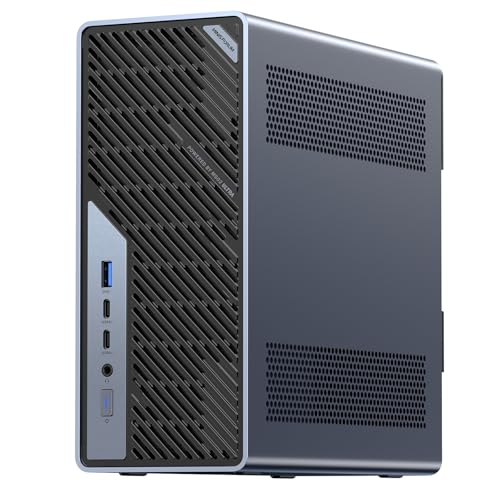
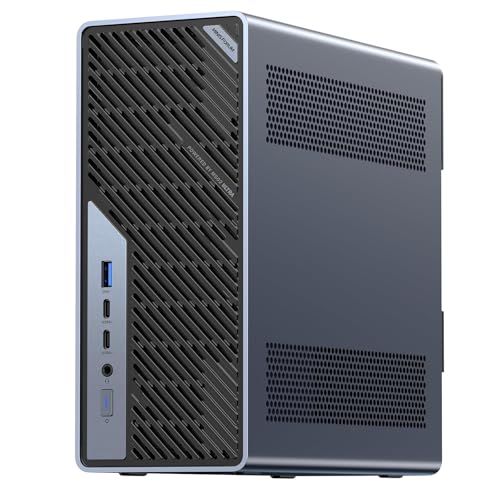
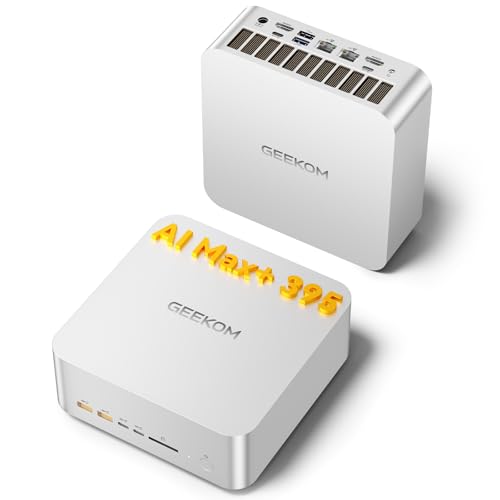
Two network ports and a terabyte or more, as shipped.
At a glance1 TB or more2 network ports
What decides this
A home server is judged on what it can keep running rather than how fast it finishes. Two network ports let one machine serve and route at once, or keep management separate from traffic. A terabyte is the practical floor once media, backups and container images share the drive, and the number of M.2 slots decides whether the system disk and the data can live apart. Low idle power matters more than peak performance when the machine never turns off, and where a manufacturer publishes a figure we record it.
Which models should you consider?
Compare these local configurations by price, connections and upgrade options. Choose the features you need; their order does not establish a performance winner.
For hosting services at home. It has the lowest current UK price among these recommendations. Its 6 M.2 slots provide more drive locations than the 2 on GMKtec NucBox M6 Ultra; check which are already occupied.
Trade-off: Its 0 GB of RAM cannot be upgraded later.
For hosting services at home. Compare its price with Beelink ME mini; pay extra only for features you will use. Its installed SSD is 1024 GB, compared with 1000 GB in Beelink ME mini. Choose it for replaceable RAM: 2 slots and a documented limit of 128 GB, subject to compatible modules.
Trade-off: Check drive capacity, backups, network support and measured idle power for an always-on server.
For hosting services at home. Compare its price with Beelink ME mini; pay extra only for features you will use. Its installed SSD is 1024 GB, compared with 1000 GB in Beelink ME mini. Choose it for replaceable RAM: 2 slots and a documented limit of 128 GB, subject to compatible modules.
Trade-off: Check drive capacity, backups, network support and measured idle power for an always-on server.
Before you choose
Drive slots decide this more than the processor does
File sharing, backups, containers and media transcoding have different CPU and storage needs. Count supported drive lengths and interfaces, check codec support for transcoding, and plan usable capacity with independent backups. More drive slots do not by themselves make a machine suitable for every server workload.
It runs unattended, which changes what matters
This machine will be on continuously, so idle power draw is a real cost and fan noise is a real nuisance if it lives anywhere you sit. Check whether it restarts automatically after a power cut, because a server that stays off until someone presses a button is not serving anything. A second network port is worth having for link aggregation or for keeping management traffic separate.
What to check before you buy
Confirm the drive slot count and the lengths they accept, since a 2280 drive will not fit a 2230 slot. Two network ports at 2.5 gigabit are the practical sweet spot for a home network. If the machine ships with eMMC storage rather than an SSD, treat that as the boot device only and plan on adding a real drive.
Not always, but the second one is what lets a single machine do two jobs. A pure file server is fine with one. The moment it also routes, filters or serves a separate network, the second port saves buying an adapter.
How much storage should I start with?
More than you think, and in more slots than you think. A terabyte fills quickly once backups arrive. Two M.2 slots let you keep the operating system off the data drive, which makes a rebuild far less painful.
Is a mini PC reliable enough to leave on?
Check cooling, storage endurance, automatic restart after power loss, backups and warranty terms for your intended continuous use. We have no measured reliability or service-life result for these configurations.
Product prices and availability are accurate as of the date/time indicated and are subject to change. Any price and availability information displayed on Amazon.co.uk at the time of purchase will apply to the purchase of this product.