Compare application support, memory capacity, card expansion and local prices.
At a glanceWorkstation class
What decides this
Start with your application's CPU, GPU, driver and memory requirements. Replaceable RAM and PCIe expansion can extend a machine's useful life; a larger shared-memory pool may suit some local-AI workloads, subject to runtime support. Compare the installed configuration and documented expansion limits. A workstation label does not establish certification or measured performance in your application.
Which models should you consider?
Compare these local configurations by price, connections and upgrade options. Choose the features you need; their order does not establish a performance winner.
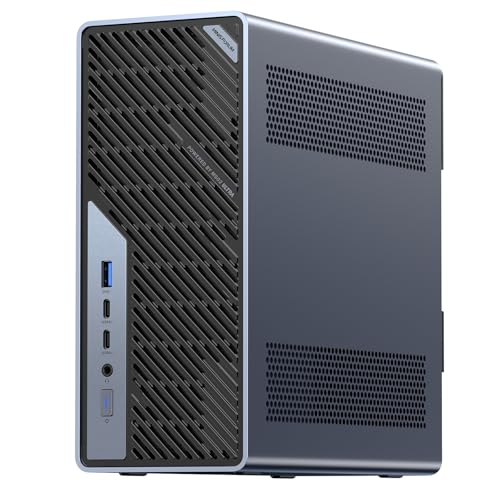
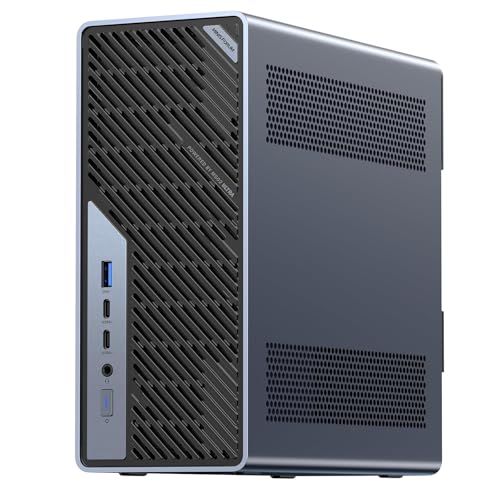
For workloads that need workstation expansion or memory. It has the lowest current UK price among these recommendations. It includes 32 GB of RAM versus 16 GB in Lenovo ThinkStation P3 Tiny, giving more capacity for memory-heavy work. Its installed SSD is 1000 GB, compared with 512 GB in Lenovo ThinkStation P3 Tiny. Its 4 wired network ports offer more physical connections than the 1 on Lenovo ThinkStation P3 Tiny. Its 3 M.2 slots provide more drive locations than the 2 on Lenovo ThinkStation P3 Tiny; check which are already occupied. Choose it for replaceable RAM: 2 slots and a documented limit of 96 GB, subject to compatible modules. The recorded built-in network connections are 2x 10GbE SFP+, 2x 2.5GbE; useful for a suitably equipped NAS or host network.
Trade-off: Check your application’s GPU certification, drivers and memory requirements. A compact chassis can limit sustained power.
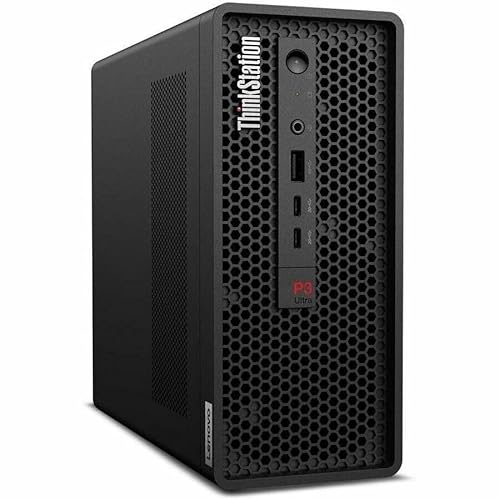
For workloads that need workstation expansion or memory. Compare its price with MINISFORUM MS-01; pay extra only for features you will use. Choose it for replaceable RAM: 2 slots and a documented limit of 96 GB, subject to compatible modules.
Trade-off: There is one built-in wired network port (1GbE); separate physical links need additional hardware.
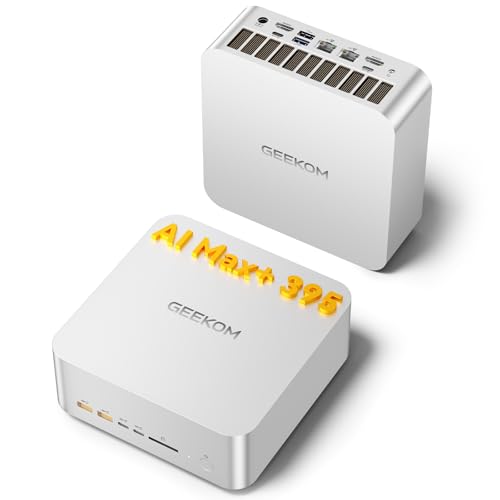
For workloads that need workstation expansion or memory. Compare its price with MINISFORUM MS-01; pay extra only for features you will use. It includes 32 GB of RAM versus 16 GB in Lenovo ThinkStation P3 Tiny, giving more capacity for memory-heavy work. Its installed SSD is 1000 GB, compared with 512 GB in Lenovo ThinkStation P3 Tiny. Its 2 wired network ports offer more physical connections than the 1 on Lenovo ThinkStation P3 Tiny. Choose it for replaceable RAM: 4 slots and a documented limit of 256 GB, subject to compatible modules. The recorded built-in network connections are 10GbE, 2.5GbE; useful for a suitably equipped NAS or host network.
Trade-off: Check your application’s GPU certification, drivers and memory requirements. A compact chassis can limit sustained power.
Before you choose
What separates this from a fast desktop
Rendering, simulation, large builds and video work stress different parts of a workstation. Match the software's GPU and driver requirements, installed memory and sustained CPU needs. Check application-specific benchmarks and any required ISV certification for the exact model and GPU.
Memory headroom is usually the real ceiling
Check the peak memory working set of your application, including the operating system, and distinguish system RAM from GPU VRAM. Some software can process data in parts or spill to storage, with different performance implications. Replaceable memory can add headroom within the documented module and capacity limits; a larger fixed-memory configuration may also suit a known workload.
What to check before you buy
Check dimensions, power supply, internal card clearance and documented drive slots against your workspace and planned upgrades. Fast networking can help shared storage. Noise and sustained performance need measurements; physical size alone does not establish either.
It depends on the configuration and application. Some compact workstations support internal professional graphics or PCIe cards; others rely on integrated graphics. Check physical card size, power, driver support and application requirements before replacing a tower.
Why does the expansion slot matter so much?
An internal PCIe slot provides a direct path for compatible network, capture or storage cards. Check physical size, electrical lanes, power and cooling. External adapters may be alternatives where the host interface and operating system support them.
Should I buy the barebone?
Compare the complete cost of compatible RAM, storage and any operating-system licence with the ready-to-use configuration. Check module type, slots, cooling kits and warranty terms. A barebones kit is not automatically cheaper or the right choice for every workload.
Product prices and availability are accurate as of the date/time indicated and are subject to change. Any price and availability information displayed on Amazon.co.uk at the time of purchase will apply to the purchase of this product.