$276.75
Part numberQ27G3XMN
The same part under other regional numbers: Q27G3XMN/BK
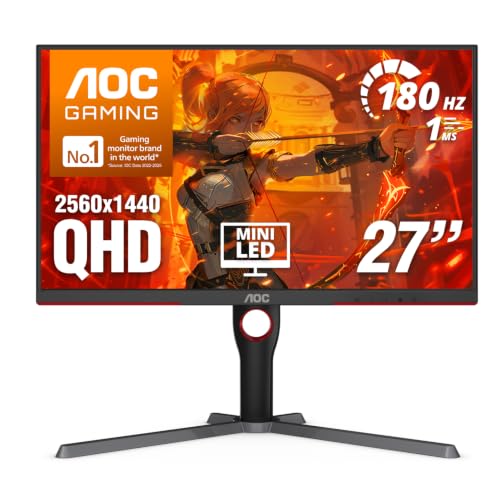
Part number Q27G3XMN identifies this version of the AOC Q27G3XMN, a 27" Mini LED VA monitor at 2560x1440 and 180 Hz for a mini PC owner with a free HDMI or DisplayPort output.
The part number is Q27G3XMN here and Q27G3XMN/BK on the other AOC Q27G3XMN; every other specification, and the fit, is the same. Pick it if that is the part number you are shopping for.
The 27" panel is VA with Mini LED at 2560x1440 and 180 Hz, with VESA DisplayHDR 1000 certification and VESA mounting. AOC does not state USB-C power delivery, a Thunderbolt input, a built-in KVM switch, daisy chain output or speakers.
AOC specification page · read October 21, 2026
It needs a mini PC with an HDMI 2.0 or DisplayPort 1.4 output, as there is no USB-C video input.
The GMKtec NucBox K8 Plus, Lenovo ThinkCentre M70q Gen 5 and MINISFORUM AI X1 Pro connect over HDMI, and the HP Z2 Mini G1a over DisplayPort.
For the ASUS ROG NUC 15 and BOSGAME M5 we have not confirmed it fits, as we could not confirm their HDMI outputs.
Checked against every mini PC sold on amazon.com, from the specifications we hold for each machine.
No. It has no USB-C video input, so connect it with HDMI 2.0 or DisplayPort 1.4, whichever output your mini PC has free.
Yes, it has VESA mounting, so a monitor arm will work and keep the desk clear next to your mini PC.
Product prices and availability are accurate as of the date/time indicated and are subject to change. Any price and availability information displayed on Amazon.com at the time of purchase will apply to the purchase of this product.