Compare memory, storage and platform support for builds, containers and development tools.
At a glance32 GB or moreRated for Coding
What decides this
Development is mostly a memory and core-count question, and the honest answer is that most current mini PCs are enough. 32 GB is the line where a container stack, a language server and a browser full of tabs stop competing. Beyond that, what separates machines is the desk experience rather than the benchmark: how many displays it drives, whether there is a USB4 port for a dock and an external drive, and whether the memory can grow when the project does. Where a machine is rated only ok rather than good for this work, the row says which and the note says why.
Which models should you consider?
Compare these local configurations by price, connections and upgrade options. Choose the features you need; their order does not establish a performance winner.
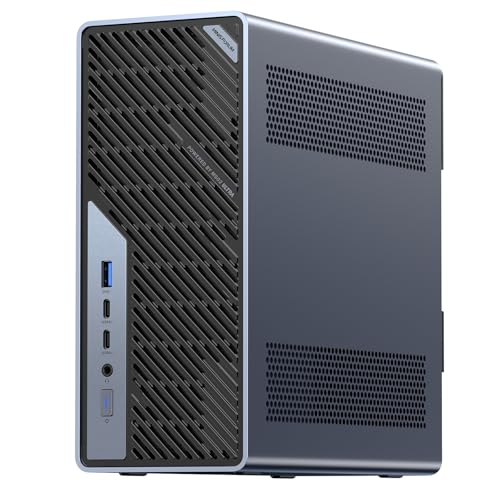
For development, builds and containers. It has the lowest current UK price among these recommendations. Choose it for replaceable RAM: 2 slots and a documented limit of 128 GB, subject to compatible modules.
Trade-off: Check sustained cooling performance and whether your toolchain supports the operating system and processor architecture.
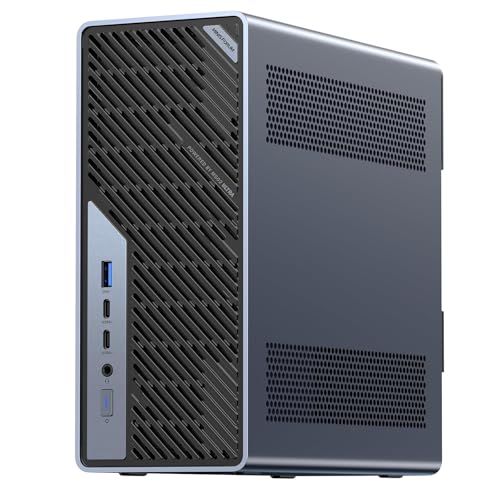
For development, builds and containers. Compare its price with GMKtec NucBox M6 Ultra; pay extra only for features you will use. Its installed SSD is 1024 GB, compared with 512 GB in GMKtec NucBox M6 Ultra. Choose it for replaceable RAM: 2 slots and a documented limit of 128 GB, subject to compatible modules.
Trade-off: Check sustained cooling performance and whether your toolchain supports the operating system and processor architecture.
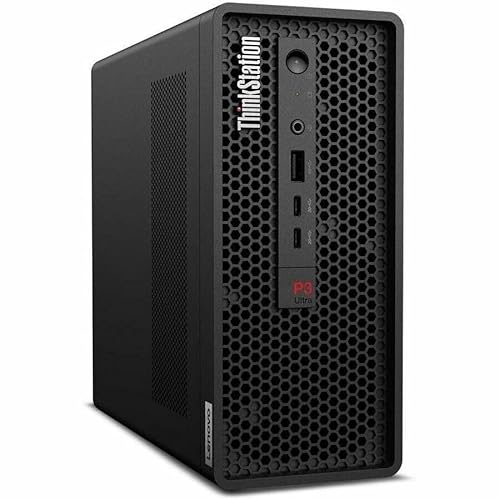
For development, builds and containers. Compare its price with GMKtec NucBox M6 Ultra; pay extra only for features you will use. Its installed SSD is 1000 GB, compared with 512 GB in GMKtec NucBox M6 Ultra. Choose it for replaceable RAM: 2 slots and a documented limit of 96 GB, subject to compatible modules.
Trade-off: The wired port count is unconfirmed for this model; verify it before paying for a network-dependent setup.
Before you choose
Size memory for your projects and containers
Consider the editor, language server, browser, databases and containers you run together. 32 GB provides more room than 16 GB, while large projects or virtual machines may justify 64 GB or more. Replaceable RAM makes later expansion possible; soldered memory should cover your expected needs at purchase.
Sustained speed decides compile times, not peak speed
Long builds depend on sustained CPU performance, cooling and how well the build can use multiple cores. Peak clock speed and chassis size cannot establish compile times. Check measurements for a similar build and verify architecture support for your toolchain and container images.
What to check before you buy
Check upgradeable memory, spare storage slots, display outputs and supported docks. USB4 or Thunderbolt video, storage and charging features depend on the host and dock; many mini PCs still need their own power adapter.
16 GB can suit lighter projects. Several containers, large builds or virtual machines may benefit from 32 GB or more. Check your tools and current peak memory use instead of treating one capacity as a universal minimum.
Does the processor brand matter?
Less than people expect for this work. Core count and memory matter more than the name on the chip for compiling, running tests and hosting containers. Where a machine genuinely stands out, the fit note says what for.
What about macOS?
The Mac mini is in the catalogue and appears here when it meets the memory requirement. Its memory is unified and soldered, so the capacity you buy is the capacity you keep, and the row says so.
Product prices and availability are accurate as of the date/time indicated and are subject to change. Any price and availability information displayed on Amazon.co.uk at the time of purchase will apply to the purchase of this product.